the home site for me: also iteration 3 or 4 of my site
 dunkirk.sh
1+++
2title = "The *Mega* test case"
3date = 2024-10-11
4slug = "mega"
5description = "How I write / leme check if that broke anything page"
6
7[taxonomies]
8tags = ["meta"]
9
10[extra]
11has_toc = true
12+++
13
14This post is for me to just test out all the features and styling of the blog, and to
15make sure that if I change the CSS or anything I don't break any of it! This is also a
16sort of light style guide for blog posts in general.
17
18<!-- more -->
19
20## Section Headers
21
22Sections headers (prefixed with `##` in markdown) are the main content separators for posts, and
23can be [linked to](#section-headers) directly. To link to them, the header's text needs to be
24*kebab-cased*, so the above would be `#section-headers`.
25
26Not quite a section header, the `<!-- more -->` tag is used to indicate where a post should be split for rss purposes. This should generally be right after the first paragraph.
27
28### Table of Contents
29
30Section and sub-headers can be used to generate a table of contents at the start of the page. To
31enable this feature for a post, add the following to the page's frontmatter:
32
33> toml
34```toml
35[extra]
36has_toc = true
37```
38
39The table of contents will only ever be generated for `##` and `###` headers. I don't particularly love the look of it and tend to write shorter posts so I hardly use it.
40
41## Embedding Code
42
43I tend to do this alot so this is an important bit of the blog. All code blocks with a code type are progressively enhanced with a copy button.
44
45### Syntax Highlighting
46
47If you want syntax coloring, you put the name of the programming language immediately after the ticks.
48So writing this:
49
50~~~md
51```rust
52fn main() {
53 println!("Hello, world!");
54}
55```
56~~~
57
58Will produce this:
59
60```rust
61fn main() {
62 println!("Hello, world!");
63}
64```
65
66### Code Block Title
67
68Sometimes it can help to give a header to a code block to signal what it represents. To do this, you put
69a single-line block quote immediately before the code block. So by prepending the following code with
70`> src/index.ts`, I can produce this:
71
72> src/index.ts
73```ts
74Bun.serve({
75 port: 3000,
76 fetch(req) {
77 return new Response("Hello, world!");
78 }
79});
80```
81
82### Inline Code
83
84As seen above, sometimes code items are mentioned in regular paragraphs, but you want to
85draw attention to them. To do this, you can wrap it in back-tick (\`) quotes. For
86example, if I wanted to mention Rust's `Vec<T>` type.
87
88```md
89`Vec<T>`
90```
91
92You can wrap a link around a code tag if you want to link to the docs, for example I could
93link to the [`Option<T>::take_if`](https://doc.rust-lang.org/std/option/enum.Option.html#method.take_if)
94method directly.
95
96```md
97[`Option<T>::take_if`](https://doc.rust-lang.org/std/option/enum.Option.html#method.take_if)
98```
99
100## Block Quotes
101
102I can display a quote by prepending multiple lines of text with `>` like so, which will
103wrap it in a `blockquote` tag:
104
105> "This text will appear italicized in a quote box!"
106
107### Cited Quotations
108
109For when I want to have a citation, I can use the html `<cite>` tag after the quote text and it
110will prepend it with a nice `—` em dash.
111
112> "I don't know half of you half as well as I should like, and I like less than half of you half
113> as well as you deserve."
114>
115> <cite>Bilbo Baggins</cite>
116
117## Embedding Media
118
119Images and videos are a great way to break up content and prevent text fatigue.
120
121### Images
122
123Images can be embedded using the usual markdown syntax:
124
125```md
126
127```
128
129
130
131When there are multiple paragraphs of text in a row (usually 3-4), and nothing else to break
132them up, images can be interspersed to help prevent text-wall fatique.
133
134You can also add captions to images:
135
136```terra
137{{/* img(id="https://url.com/image.png" alt="alt text" caption="this can be ommited if you want or added! It's optional :)") */}}
138```
139
140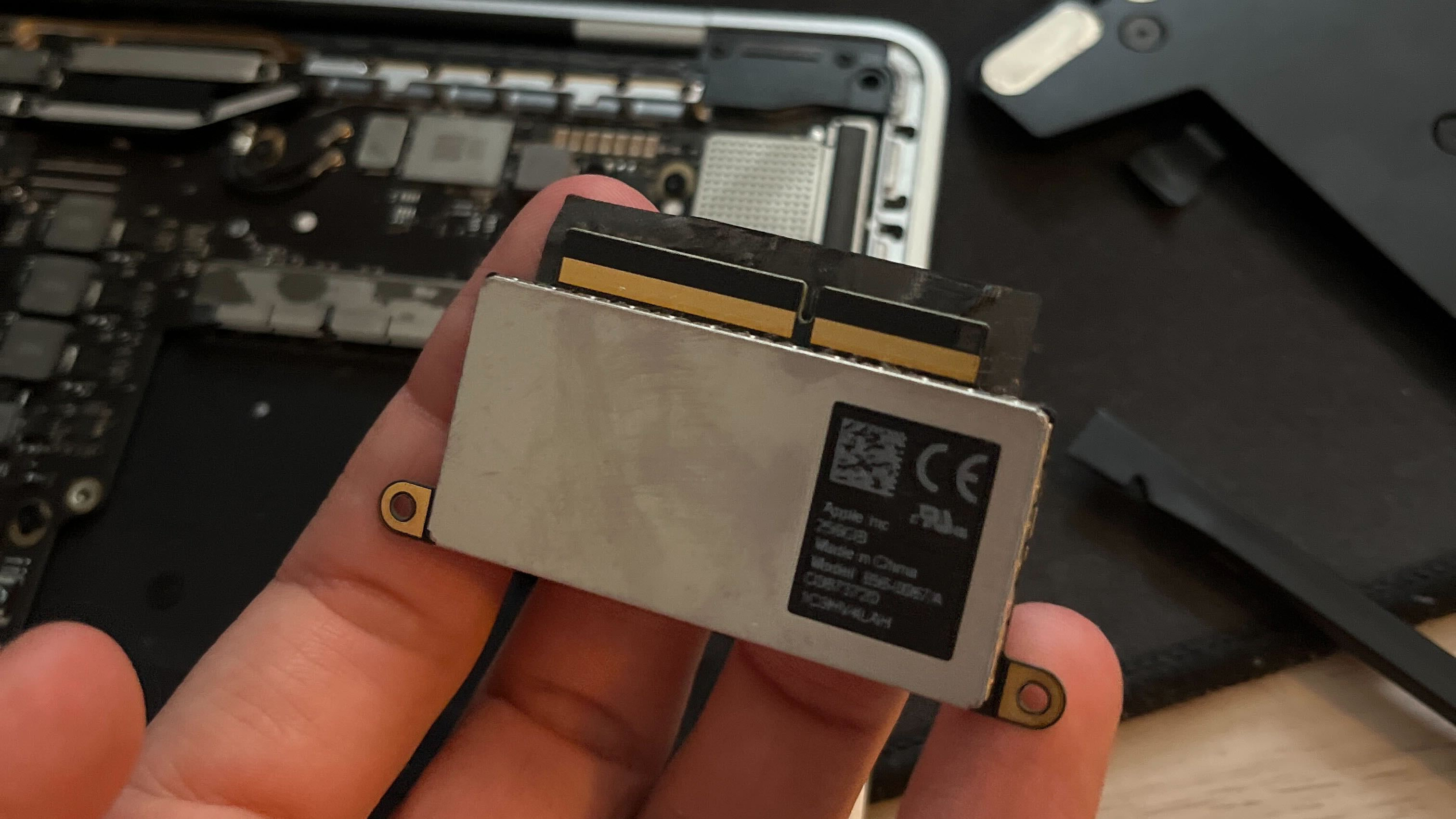{caption="it really was a rather sleek design; shame that apple got rid of it in favor of soldered on storage"}
141
142You can also display multiple images side-by-side using the `imgs` shortcode with comma-separated URLs:
143
144```terra
145{{/* imgs(id="https://url.com/image1.png, https://url.com/image2.png" alt="alt text 1, alt text 2" caption="optional caption for both images") */}}
146```
147
148![the ssh section](https://hc-cdn.hel1.your-objectstorage.com/s/v3/ed400c26ddfa37ab4a9ef4fd5a506f2dcc1bcfbb_img_8879.jpeg){caption="side by side images from the remarkable tutorial"}
149
150### Videos
151
152To embed a video, you use the `youtube(id="", autoplay?=bool)` shortcode e.g.
153
154{{ youtube(id="NodwjZF7uZw") }}
155
156### Bluesky posts
157
158This is handled by a shortcode `bluesky(post="")` and takes the post url as a parameter. These will automatically attach images and videos.
159
160{{ bluesky(post="https://bsky.app/profile/svenninifl.bsky.social/post/3lnkivz3ans2k") }}
161
162## Miscellaneous
163
164You can also create `<hr>` horizontal rule tags using `---` in markdown, like so:
165
166---
167
168But these should be used sparingly, if at all.
169
170You can also use emojis inline from the hackclub slack like this :yay:! This is just done by writing `:emoji:` and it gets progressively enhanced with a bit of js as long as the emoji is in cachet!
171
172## Callouts
173
174Callouts are a great way to draw attention to important information. They come in several types:
175
176### Info Callout
177
178> [!INFO]
179> This is an info callout! Use this for general information that readers should be aware of.
180
181### Warning Callout
182
183> [!WARNING]
184> This is a warning callout! Use this to alert readers about potential issues or things to watch out for.
185
186### Danger Callout
187
188> [!DANGER]
189> This is a danger callout! Use this for critical information that could cause problems if ignored.
190
191### Tip Callout
192
193> [!TIP]
194> This is a tip callout! Use this to share helpful hints and best practices.
195
196### Note Callout
197
198> [!NOTE]
199> This is a note callout! Use this for additional context or side information.
200
201### Custom Title
202
203{% callout(type="info", title="Custom Title Here") %}
204You can also customize the title of any callout by adding a `title` parameter!
205{% end %}