 dunkirk.sh
+++ title = "The Mega test case" date = 2024-10-11 slug = "mega" description = "How I write / leme check if that broke anything page"
[taxonomies] tags = ["meta"]
[extra] has_toc = true +++
This post is for me to just test out all the features and styling of the blog, and to make sure that if I change the CSS or anything I don't break any of it! This is also a sort of light style guide for blog posts in general.
Section Headers#
Sections headers (prefixed with ## in markdown) are the main content separators for posts, and
can be linked to directly. To link to them, the header's text needs to be
kebab-cased, so the above would be #section-headers.
Not quite a section header, the <!-- more --> tag is used to indicate where a post should be split for rss purposes. This should generally be right after the first paragraph.
Table of Contents#
Section and sub-headers can be used to generate a table of contents at the start of the page. To enable this feature for a post, add the following to the page's frontmatter:
toml
[extra]
has_toc = true
The table of contents will only ever be generated for ## and ### headers. I don't particularly love the look of it and tend to write shorter posts so I hardly use it.
Embedding Code#
I tend to do this alot so this is an important bit of the blog. All code blocks with a code type are progressively enhanced with a copy button.
Syntax Highlighting#
If you want syntax coloring, you put the name of the programming language immediately after the ticks. So writing this:
```rust
fn main() {
    println!("Hello, world!");
}
```
Will produce this:
fn main() {
    println!("Hello, world!");
}
Code Block Title#
Sometimes it can help to give a header to a code block to signal what it represents. To do this, you put
a single-line block quote immediately before the code block. So by prepending the following code with
> src/index.ts, I can produce this:
src/index.ts
Bun.serve({
  port: 3000,
  fetch(req) {
    return new Response("Hello, world!");
  }
});
Inline Code#
As seen above, sometimes code items are mentioned in regular paragraphs, but you want to
draw attention to them. To do this, you can wrap it in back-tick (`) quotes. For
example, if I wanted to mention Rust's Vec<T> type.
`Vec<T>`
You can wrap a link around a code tag if you want to link to the docs, for example I could
link to the Option<T>::take_if
method directly.
[`Option<T>::take_if`](https://doc.rust-lang.org/std/option/enum.Option.html#method.take_if)
Block Quotes#
I can display a quote by prepending multiple lines of text with > like so, which will
wrap it in a blockquote tag:
"This text will appear italicized in a quote box!"
Cited Quotations#
For when I want to have a citation, I can use the html <cite> tag after the quote text and it
will prepend it with a nice — em dash.
"I don't know half of you half as well as I should like, and I like less than half of you half as well as you deserve."
Bilbo Baggins
Embedding Media#
Images and videos are a great way to break up content and prevent text fatigue.
Images#
Images can be embedded using the usual markdown syntax:

When there are multiple paragraphs of text in a row (usually 3-4), and nothing else to break them up, images can be interspersed to help prevent text-wall fatique.
You can also add captions to images:
{{/* img(id="https://url.com/image.png" alt="alt text" caption="this can be ommited if you want or added! It's optional :)") */}}
{caption="it really was a rather sleek design; shame that apple got rid of it in favor of soldered on storage"}
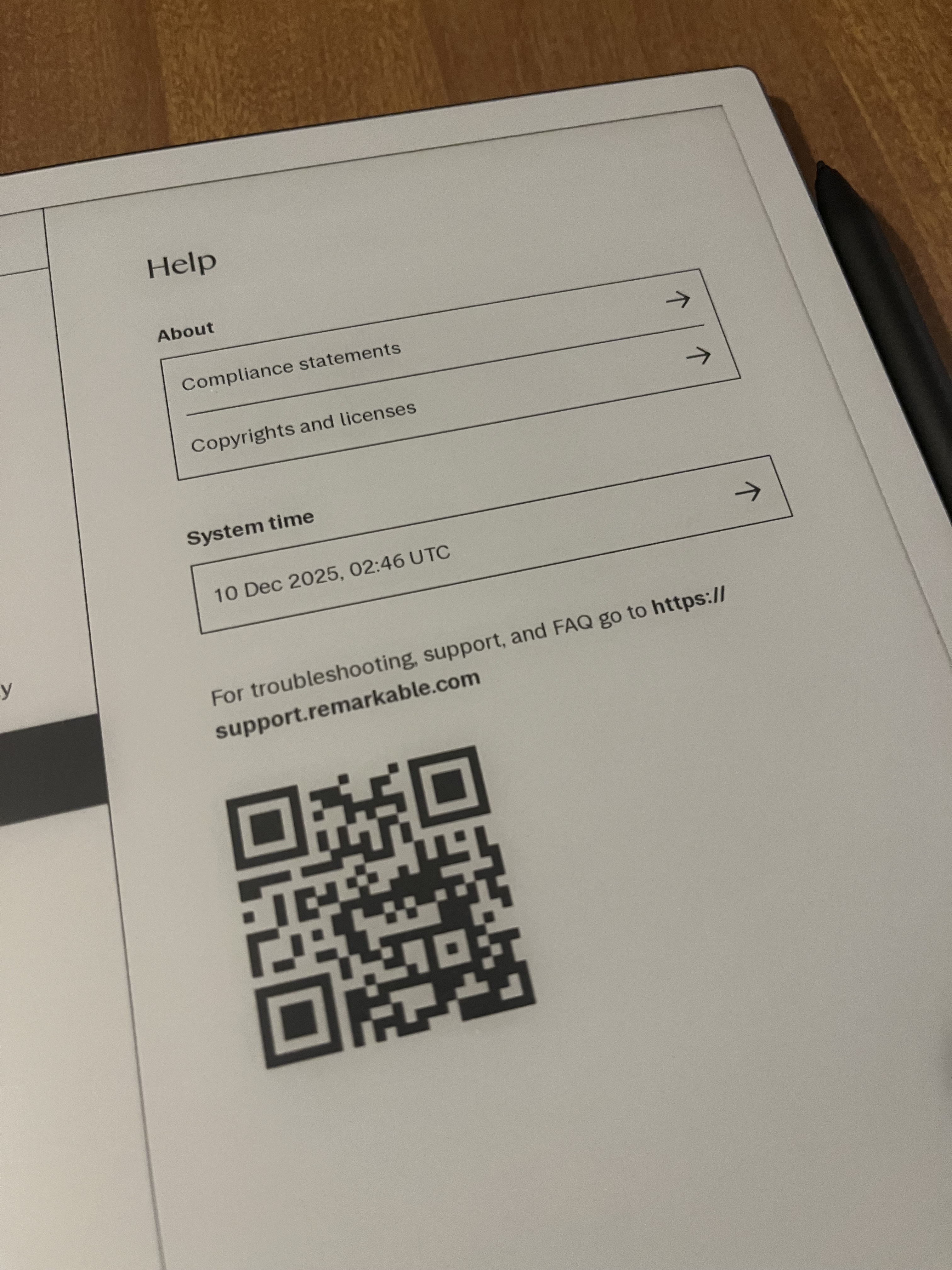
You can also display multiple images side-by-side using the imgs shortcode with comma-separated URLs:
{{/* imgs(id="https://url.com/image1.png, https://url.com/image2.png" alt="alt text 1, alt text 2" caption="optional caption for both images") */}}
!the ssh section{caption="side by side images from the remarkable tutorial"}
Videos#
To embed a video, you use the youtube(id="", autoplay?=bool) shortcode e.g.
{{ youtube(id="NodwjZF7uZw") }}
Bluesky posts#
This is handled by a shortcode bluesky(post="") and takes the post url as a parameter. These will automatically attach images and videos.
{{ bluesky(post="https://bsky.app/profile/svenninifl.bsky.social/post/3lnkivz3ans2k") }}
Miscellaneous#
You can also create <hr> horizontal rule tags using --- in markdown, like so:
But these should be used sparingly, if at all.
You can also use emojis inline from the hackclub slack like this :yay:! This is just done by writing :emoji: and it gets progressively enhanced with a bit of js as long as the emoji is in cachet!
Callouts#
Callouts are a great way to draw attention to important information. They come in several types:
Info Callout#
INFO
This is an info callout! Use this for general information that readers should be aware of.
Warning Callout#
WARNING
This is a warning callout! Use this to alert readers about potential issues or things to watch out for.
Danger Callout#
DANGER
This is a danger callout! Use this for critical information that could cause problems if ignored.
Tip Callout#
TIP
This is a tip callout! Use this to share helpful hints and best practices.
Note Callout#
NOTE
This is a note callout! Use this for additional context or side information.
Custom Title#
{% callout(type="info", title="Custom Title Here") %}
You can also customize the title of any callout by adding a title parameter!
{% end %}